
You moved offices, changed your phone number, or rebranded. Still, your old details keep surfacing in search results. Customers call a line that no longer exists, or perhaps a map pin sends someone to an address you left years ago. Either way, many of your customers become frustrated and are unlikely to choose your business again.
This is what maintaining a unified, up-to-date name, address, and phone number (NAP) across the web solves. NAP consistency in SEO ensures your audience has the correct information to contact you or visit your website or business establishment, making conversion more likely.
Google’s Requirements for Your NAP Details
The following rules are taken directly from Google’s guidelines for representing your business, which dictate how you must handle your NAP details. Let’s also go over some scenarios that break them, and what you can do to maintain consistent NAP details.
| Field | Google’s Rule | What Breaks It |
| Name | Your name mustn’t include marketing-related details. | Adding keywords, cities, or a slogan |
| Address | Enter your physical address as “Address Line 1,” and your mailbox or suite number as “Address Line 2.” | Merging address details into one line, or using P.O. boxes in remote locations. |
| Phone | Whenever possible, use a local phone number instead of a central call center helpline number. | Listing a call center line, or hard-coding a redirecting tracking number as your primary contact number |
Business Names
Your business name shouldn’t include marketing-related information, such as taglines or slogans.
Adding service keywords or a city to your listing name, when they aren’t officially part of your business name as stated in your signage, website, or official documents, doesn’t improve your rankings. In fact, such a violation can get your Google Business Profile (GBP) suspended.
A suspended profile stops appearing in Google Search entirely. To get it back, you need to submit an appeal with documentation verifying your business’s existence and legal name.
Address, Suite Numbers, and Service-Area Businesses
Google is specific about where each section of your address belongs:
- Address Line 1: Your physical address
- Address Line 2: Mailbox or suite number
Mixing and matching your address can create a string that online directories may misinterpret when citing your NAP.
Google also prohibits P.O. boxes or mailboxes located in remote areas. If you travel to your customers rather than serving them at your premises (e.g., roofers, plumbers), you should hide your business address from customers.
Phone Numbers
When possible, you should use a local phone number instead of a call center helpline number. Google also prohibits using phone numbers that redirect or refer users to numbers other than your business’s.
You may also use dynamic number insertions to enable call attribution without breaking NAP guidelines. We’ll explore this in more detail later.
Does Google Penalize Inconsistent Listings?
No, Google doesn’t penalize inconsistent listings. However, when your NAP details conflict across sources, Google now has multiple competing versions of the truth and, in effect, less confidence in any of them. You’re less likely to appear in local citations and the local pack as a result.
It’s important to note that rebuilding this confidence by cleaning up your NAP during SEO audits takes time. So, expect improvements over weeks rather than days.
The effects of inconsistent listings are more apparent as missed opportunities.
- They split your review count across two profiles, so neither looks established as it should.
- An old address can still rank on proximity for the wrong neighborhood.
- A disconnected number generates calls that never reach you.
Keep in mind that 63% of consumers say finding incorrect information on a business listing would stop them from using that business. So, even if Google doesn’t penalize you for inconsistent listings, you’ll feel the damage in your bottom line.
How Much NAP Variations Matter

Formatting variations, such as using “St.” and “Street” in separate listings, are fine. What Google has a problem with are conflicting, inconsistent facts. Let’s separate the two to determine how they affect your online visibility.
Formatting Variations
Google handles ordinary formatting and abbreviation differences automatically. Here are a few examples:
- “Dr.” and “Drive”
- “#” and “No.”
- “Ste” and “Suite”
- “Ave.” and “Avenue”
The same goes for phone numbers, whether listed with or without a country code, as well as for variations in capitalization and punctuation.
What Google Flags as Inconsistent
Inconsistencies refer to factual conflicts, such as:
- Completely different addresses
- Different phone numbers connected to separate entities
- Different business names
- Duplicate listings for one location
Would a person reading two of your listings side by side conclude they describe the same business in the same location? If the answer is no, you’re dealing with an inconsistent NAP. You’re inadvertently forcing Google to choose between versions, splitting confidence in both.
How We Fix Your Listings
Let’s outline how we can improve the consistency of your NAP for local SEO. Note the order of each step: correcting an inconsistency in a directory before correcting your GBP information will only lead the directory to get the same erroneous information from your GBP.
Start With Your Google Business Profile
Your GBP is the highest-traffic listing you own, one that Google trusts most. As such, it goes first. We update your business name, address, and phone number to ensure they comply with Google’s guidelines. We can even use the information you enter here as a reference to copy elsewhere.
Then Duplicates, Platforms, and Aggregators
Before adding anything new, our team finds and resolves duplicate listings for the same location. Then, we work through major platforms, such as Yelp and data aggregators that syndicate your details out to local directory listings.
Once major platforms are clean, we proceed with niche and industry directories that are significant in your vertical.
Finish With Your Own Site and Schema
Last but not least, we revise the NAP on your website. We update its footer, contact page, and all of your location pages. While Google’s LocalBusiness structured data documentation doesn’t require your markup to match your other listings, you can treat it as an improvement to your user experience and internal NAP consistency for SEO.
Want this handled for you? Contact our local SEO team for a citation audit.
Using a Call-Tracking Number Without Breaking Your NAP
One of Google’s guidelines for phone numbers tells us not to “provide phone numbers or URLs that redirect or ‘refer’ users to landing pages or phone numbers other than those of the actual business.”
Many business owners think call-tracking numbers violate this rule. However, tracking and consistent NAP don’t conflict at all, as long they are implemented properly.
How Dynamic Number Insertion Works
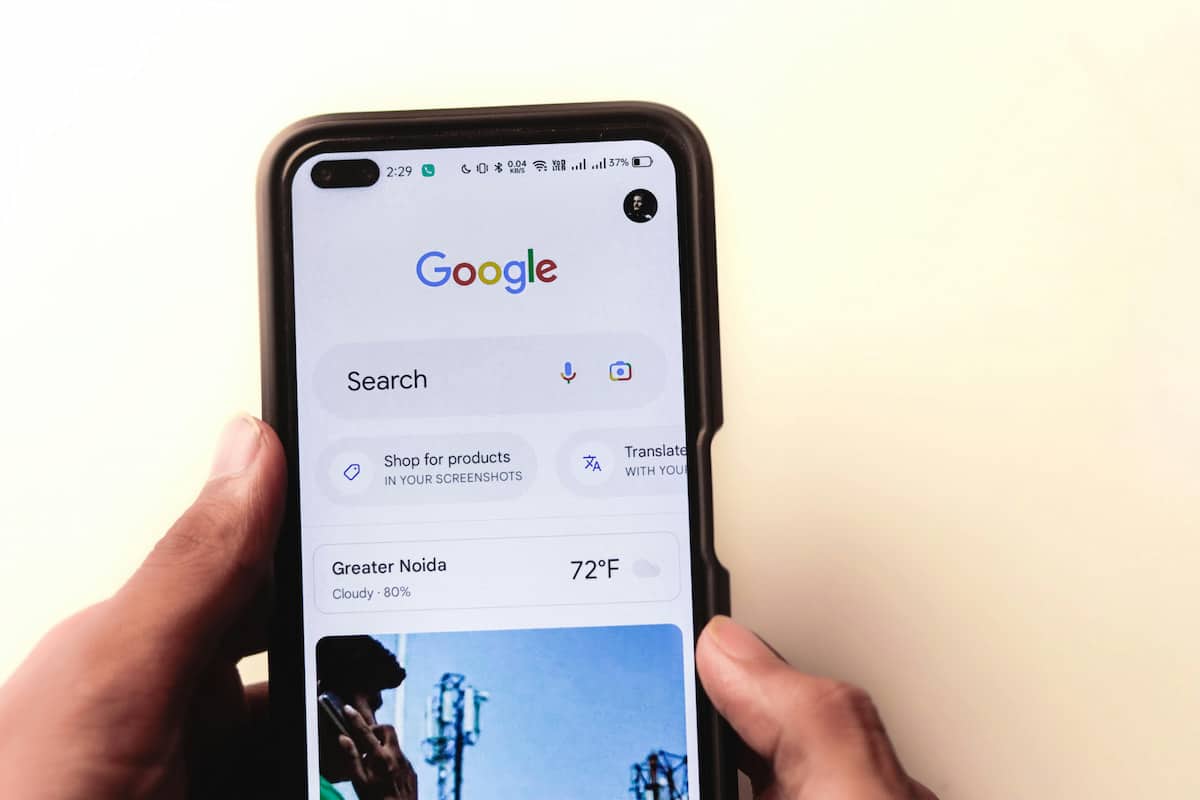
Dynamic number insertion is a script that swaps a tracking number into your website for human visitors. Meanwhile, your primary number stays in the page source and in every listing for search engines to read.
When a visitor dials your tracking number, your call-tracking software logs the call and instantly forwards it to your main business line. Its primary function is to enable accurate call attribution.
On your GBP, it’s best to keep your real local number as your primary number and add your tracking number as an additional number instead of replacing it.
Avoid Hard-Coding Tracking Numbers
It’s crucial to avoid hard-coding your tracking number as your primary number across listings. Otherwise, you violate the guideline we stated earlier.
Listing cleanup is a straightforward task, but it can be repetitive and tedious. Marketing Done Right’s experienced specialists will audit and monitor your NAP consistency in SEO to ensure you remain visible to the right audience. Contact our local SEO team today to find out where your details currently conflict.
NAP Consistency FAQ
NAP refers to your business name, address, and phone number as they appear across the web. Search engines compare these details wherever they’re published to work out which business is which and where it operates. Consistent NAP data gives Google confidence and helps it rank your business accordingly.
No, Google doesn’t penalize inconsistent NAP information. It simply erodes its confidence in your business, making your brand less likely to appear in the local pack. What Google penalizes is NAP information that violates its guidelines.
Formatting variations, such as using “St.” and “Street” or “No.” and “#” between listings, are fine, since Google resolves them automatically. What matters is keeping your facts consistent: you should have the same addresses, phone numbers, and business names across all your online listings.
Absolutely, provided that it’s properly implemented with dynamic number insertion. A tracking number is swapped in for human visitors to enable call attribution, while your real local number stays in the page source and in your listings for search engines.
Yes. Google also specifies that your suite number should go in your Address Line 2. However, if you’re a service-area business (e.g., plumber, roofer), the guidelines require you to hide your address from customers entirely.
Start by searching your business name, old phone number, and previous address in quotes to surface old listings. You can also run a NAP consistency checker to compare your details across major directories.